
Table of Contents
- Understanding DMX and Smart Home Protocols
- Hardware Requirements for DMX Integration
- Best Ways to Sync Govee With Music
- Using MIDI Controllers for Lighting Scenes
- Step-by-Step Setup: Patching Smart Lights Into Your Console
- Troubleshooting Latency and Signal Issues
- Frequently Asked Questions
Last Updated: September 29, 2026
Understanding DMX and Smart Home Protocols
Professional lighting control has always lived in two separate worlds. One side runs DMX512, the industry standard for theater, concerts, and broadcast. The other side uses consumer smart lights like Govee, which talk to the cloud through Wi-Fi and proprietary apps. Until now, connecting these two systems meant fumbling between multiple interfaces during a live event, a setup that doesn't work when you're running a service, a DJ set, or a stream.
This guide explains how to integrate smart home tech with DMX, and shows you exactly how to patch Govee and similar fixtures into a professional lighting console. At DMXSmartLink, we've built tools to solve this exact problem, and we'll walk you through the hardware, software, and configuration steps you need.

How DMX512 Works
DMX512 is a digital protocol that sends lighting control data over a serial connection. It uses a simple structure: one controller sends commands to multiple fixtures on the same line, called a universe. Each universe can control up to 512 channels, and each channel carries a value from 0 to 255, representing intensity or color information.
The protocol works in real time. When you move a fader on a lighting console, the change happens instantly on the fixture. There's no cloud delay, no app latency, no waiting. This is why DMX remains the standard in live performance.
DMX uses a daisy-chain topology. Fixtures connect in sequence using standard XLR cabling. The signal travels from the console through each fixture to the next one. If one connection fails, everything downstream goes dark, a limitation that matters when you're designing a reliable rig. The DMX Smart Link HUB does not have XLR ports, but you can use a USB-to-DMX interface with XLR output to connect to DMX fixtures.
Smart Light Communication Standards
Govee lights and similar consumer smart fixtures use Wi-Fi and cloud connectivity. They don't speak DMX. Instead, they use proprietary protocols to communicate with mobile apps and cloud services. This creates a fundamental gap: a professional console can't directly control a Govee light without a controller that speaks both protocols.
Smart lights offer advantages DMX fixtures don't. They're affordable, widely available, and simple to set up. But they introduce latency. Commands travel from your phone or controller to the cloud, then back to the light. This round-trip delay is usually under 200 milliseconds, but it's noticeable in a live performance.
Some smart lights support local network control, which removes the cloud dependency. Govee lights can be controlled over your local network if you configure them correctly. This reduces latency and improves reliability during events.
Art-Net and sACN are network protocols that carry DMX data over Ethernet. Instead of using XLR cables, these protocols send DMX universes as UDP packets across a standard network switch. This allows you to run multiple universes simultaneously and connect fixtures over longer distances without signal degradation.
Hardware Requirements for DMX Integration
To connect smart home tech with DMX, you need three layers: a controller that outputs DMX, a network that carries the signal, and fixtures that understand the protocol.
Choosing the Right DMX Output Interface
Your first decision is how to get DMX out of your computer. Three main options exist.
A USB-to-DMX interface is the simplest approach. It plugs directly into your computer and outputs a single DMX universe over XLR. This works for small rigs with under 512 channels. Many small theaters and churches use this setup. The DMX Smart Link HUB - Output Kit (Basic DMX Output) includes a USB-to-DMX interface that handles standard fixtures reliably.

For larger installations, a hardware-timed DMX interface provides buffered output. It maintains timing precision even under heavy CPU load. The DMX Smart Link HUB - Pro Output Kit (ENTTEC DMX USB Pro) uses an ENTTEC DMX USB Pro, which is opto-isolated for safety and supports hardware-timed control. This matters when you're running complex scenes with precise timing.
If you need simultaneous input and output, for example, to take a live feed from an existing console and blend in smart lights, a dual I/O interface is essential. The DMX Smart Link HUB - Pro Dual I/O Kit (Simultaneous DMX Input & Output) handles this, allowing you to receive DMX from your main console while sending commands to both professional fixtures and Govee lights.
Network Setup and IP Configuration
Art-Net and sACN require an Ethernet network. You don't need anything fancy: a standard managed switch and Cat5e cabling work fine. The key is isolation. Keep your lighting network separate from your guest Wi-Fi or office network to avoid interference and latency spikes.
Assign static IP addresses to all devices on your lighting network. Use a subnet like 192.168.1.0/24 and assign your controller a fixed address like 192.168.1.10. Govee lights can stay on your main network if you're using cloud control, but for lowest latency, connect them to the same local network as your controller.
Configure your network switch to prioritize lighting traffic. Quality of Service (QoS) settings prevent other network activity from stealing bandwidth. This is especially important in venues with public Wi-Fi or high network load.
DMX Smart Link HUB - Network Edition →
Test your network latency before an event. Use a simple ping test to confirm round-trip times under 50 milliseconds. If you see higher latency, identify the source: a congested Wi-Fi connection, a slow switch, or a network loop.
Best Ways to Sync Govee With Music
Syncing smart lights to music is one of the most engaging features for live events. The light changes happen in time with the beat, creating a cohesive visual experience.
DMX Smart Link supports music-reactive lighting through AI Light Show, which analyzes audio in real time and generates dynamic scenes. The software detects tempo, energy, and frequency content, then maps those to lighting parameters. A bass spike triggers intensity changes. A beat drop brings a color shift.
To set this up, connect an audio input to your computer: a line-level output from your mixer, a USB audio interface, or even the computer's built-in microphone. DMX Smart Link listens to the audio and generates lighting commands in real time. Synchronizing these reactive light shows across your entire residence often requires choosing a smart hub to bridge the gap between your audio processing software and various peripheral devices.
Start with preset scenes designed for music reactivity. These use intensity and color parameters that respond naturally to different frequencies. Test the settings before your event. Adjust the sensitivity so the lights react noticeably without flickering constantly.
For mobile DJs, this eliminates the need to manually trigger scenes during a set. The lights stay locked to the music automatically.
Using MIDI Controllers for Lighting Scenes
MIDI (Musical Instrument Digital Interface) was designed to control synthesizers and drums. It works equally well for lighting. A MIDI controller sends simple messages that your lighting software can interpret as scene recalls, intensity changes, or color shifts.
Configuring MIDI Pads and Faders
Each pad on a MIDI controller sends a note message. You assign each pad to a scene in DMX Smart Link. Press pad 1, and scene 1 plays. Press pad 2, scene 2 plays. This is instant and responsive.
Stream Deck and YoloDeck Integration
Elgato Stream Deck is a grid of programmable buttons designed for streamers. Each button can trigger actions, run macros, or send MIDI messages. YoloDeck is a similar tool from YoloLiv.
Step-by-Step Setup: Patching Smart Lights Into Your Console
This is where the integration happens. You're going to add Govee lights to your lighting console as if they were professional DMX fixtures.
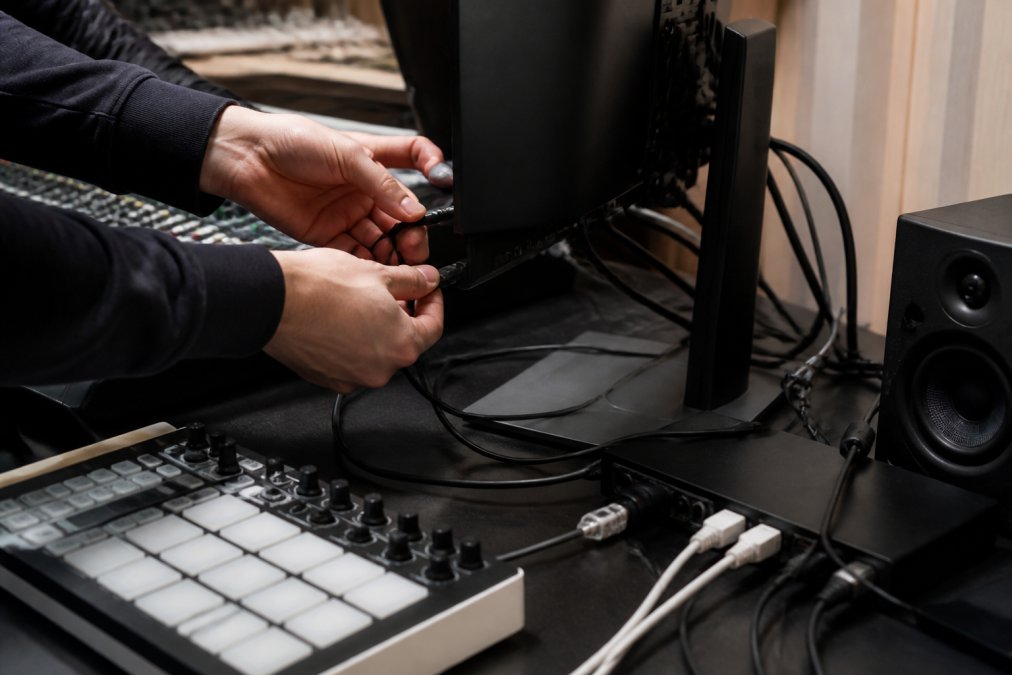
Adding Govee Fixtures to Your Rig
Start by discovering your Govee lights. Open the Govee app on your phone and confirm all lights are connected to your network. Write down the device names and IP addresses. You'll need these to configure DMX Smart Link.
Channel Mapping and Universe Configuration
Now you map DMX channels to Govee parameters. Each Govee light needs channels for on/off, brightness, color, and color temperature.
A typical mapping looks like this:
| Parameter | Channel | Range |
|---|---|---|
| On/Off | 1 | 0-127 off, 128-255 on |
| Brightness | 2 | 0-255 (0% to 100%) |
| Red | 3 | 0-255 |
| Green | 4 | 0-255 |
| Blue | 5 | 0-255 |
| Color Temperature | 6 | 0-255 (warm to cool) |
Troubleshooting Latency and Signal Issues
Latency is the enemy of live performance. A delay between your input and the light's response breaks the illusion and frustrates your audience.
Frequently Asked Questions
Can smart home lights be controlled by a DMX console?
Yes, smart home lights like Govee can be controlled through a DMX console when you use software that translates between the two protocols. DMX Smart Link acts as a controller that patches Govee lights as real DMX fixtures, so your console sees them just like traditional stage lighting. This means you can control brightness, color, and intensity from your existing console without switching between apps during a show.
What is the best way to sync Govee lights with music during a live performance?
The best way to sync Govee with music is to use a MIDI controller connected to your DMX software. You can set up faders and pads to trigger lighting scenes that respond to the beat. DMX Smart Link supports USB MIDI controllers where a fader on CC 7 rides the master level, and pads recall pre-built scenes instantly. This lets you manually sync lights to music in real time without relying on automated audio detection.
Do I need special hardware to connect smart home tech with DMX?
You need a DMX output interface to send signals to traditional DMX fixtures, plus a computer running DMX control software. For Govee lights specifically, you can control them over the local network or through the Govee cloud once your software is configured. The DMX Smart Link HUB offers several hardware options depending on whether you need basic output, hardware-timed output for complex rigs, or simultaneous input and output for live console feeds.
What network protocols should I use for DMX integration?
The two primary protocols are Art-Net and sACN, both of which send DMX data over Ethernet. Art-Net uses UDP packets and is widely supported by lighting consoles and software. sACN is the ANSI-standard protocol and offers better multicast support for larger installations. DMX Smart Link supports both, so choose based on what your existing console and fixtures already use. Most small venues and mobile DJ setups default to Art-Net for simplicity.
