DMX Smart Link Software — Annual License
DMX Smart Link Software — Annual License
DMX control, AI show tools and compatible smart lights in one system.
For stages, theaters, gyms, churches, venues and smart homes.
-
Save and recall complete lighting scenes
-
Visual fixture control and multiple universes
-
Art-Net input/output and sACN input
-
Compatible smart lights via Homebridge or Home Assistant
-
Browser and iPhone control; supported Stream Deck and MIDI workflows
Not sure yet? Try the software free for 14 days, no credit card.
Lighting control for stages, spaces and everyday life
Bring DMX fixtures and compatible smart lights into one control system. Build lighting scenes, use Visual Control, and explore AI music-reactive shows for concerts, theaters, gyms, churches, DJs, hospitality and smart homes.
Planning a large theater or professional concert rig? Review fixture compatibility, universes, cue requirements and timing with us, then validate the complete workflow. Explore capabilities and find your starting point.
Homebridge and Home Assistant
Connect compatible smart lights through Homebridge or Home Assistant alongside your DMX fixtures. The experimental Home Assistant companion on Pi / Ubuntu supports compatible Govee LAN and Matter lights. On/off, brightness, RGB and color-temperature controls depend on the device and integration. Validate your exact devices during the trial.
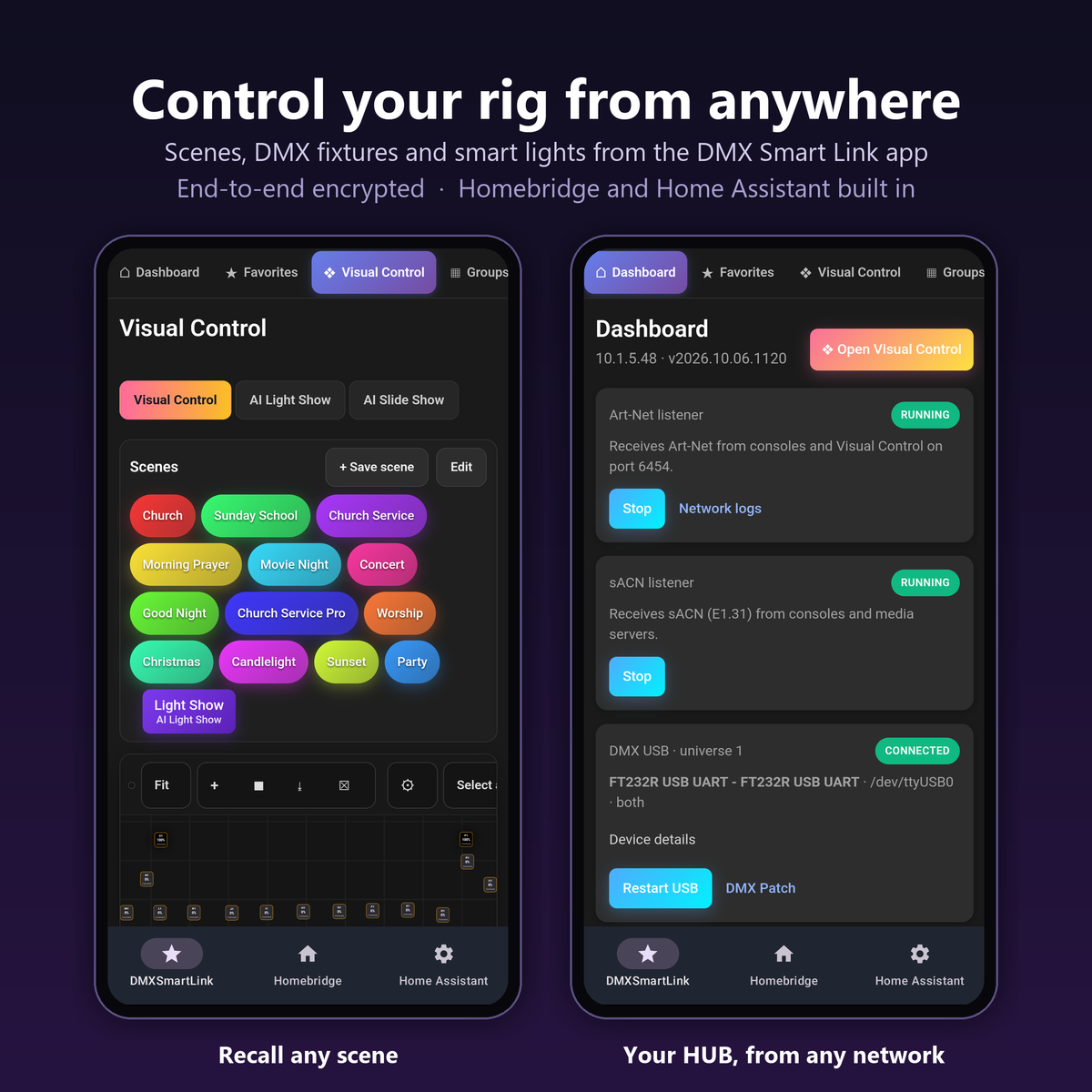
New: control your rig from anywhere (cloud remote, beta)
Pair your phone with the HUB once, then run your whole rig from any network with the DMX Smart Link app: recall scenes, control your DMX fixtures and your smart lights, from home before a service or from the back of the venue. Homebridge and Home Assistant open from the app too, and Visual Control updates live while you are away.
- Private by design: each phone has its own key, everything between the phone and the HUB is end-to-end encrypted, and the app connects straight to your HUB whenever the network allows.
- You decide who gets in: add phones as Admin or Operator with a one-time code from the HUB's Remote Access tab, and remove a phone at any time.
- Philips Hue live shows (beta): stream real-time effects to the lights in a Hue entertainment area.
Cloud remote is in beta. Update the HUB to beta 2026.10.06.1805 or later (Dashboard, Updates, Test channel); the HUB needs an internet connection for remote access. The iPhone app update is rolling out on the App Store, and the Android app is in beta testing: contact us to join. Back up and test your rig before an event. Read the release notes.
Prefer a ready-to-run controller? Choose the HUB.
The DMX Smart Link HUB comes with the software installed and a one-year licence included. Connect your lights, save your scenes, and run them from the dashboard.
Professional lighting control on the computer you own
Bring DMX fixtures and compatible Govee smart lights into one dashboard. Set your lighting, save a named scene, and recall it from your phone, browser or Stream Deck. Keep the lighting desk you already use: DMX Smart Link accepts Art-Net and sACN input and sends Art-Net output.
This is a software licence. It runs on macOS, Windows 11, Ubuntu or Raspberry Pi 5. Hardware, lighting fixtures, cables and USB-DMX interfaces are sold separately.
Start with the free 14-day trial → Test your own lights and workflow before purchasing. No credit card is required for the trial.
What your annual licence includes
- A licence key valid for 12 months.
- Software downloads and updates during the licence term.
- Standard support.
- Visual fixture control, saved scenes, and Art-Net/sACN integration.
- Stream Deck and YoloDeck scene control, plus the free iPhone companion app.
More ways to run your lighting
- Visual Control, whole-rig scenes and fixture groups.
- Follow Spot with saved stage positions; Stream Deck, MIDI, OSC and API control.
- Channel Check to test fixture channels and save verified settings.
- AI Light Show, Media Player, AI Slide Show and NDI video colour follow.
- Network Logs for setup and troubleshooting.
Check your setup before you buy
- Network DMX: use compatible Art-Net nodes or fixtures for output; sACN is supported as an input.
- DMX cable output: you need a supported USB-DMX interface, such as an ENTTEC DMX USB Pro, and suitable cables.
- Smart lights: compatibility and control options depend on the light model and integration. Try your exact devices during the trial.
- Scene buttons: connect a supported Stream Deck or YoloDeck to the HUB, or use the remote app on a Mac or Windows PC. Read the setup guide.
From soundcheck to a saved scene
- Install the software and activate your trial.
- Add your lights, select fixture modes, and check the DMX addresses.
- Set the lighting you want and save it under a name your team recognises.
- Recall the scene from the dashboard or your supported control surface.
Send us your light models and tell us what you want to control if you need help choosing an interface or a HUB kit.
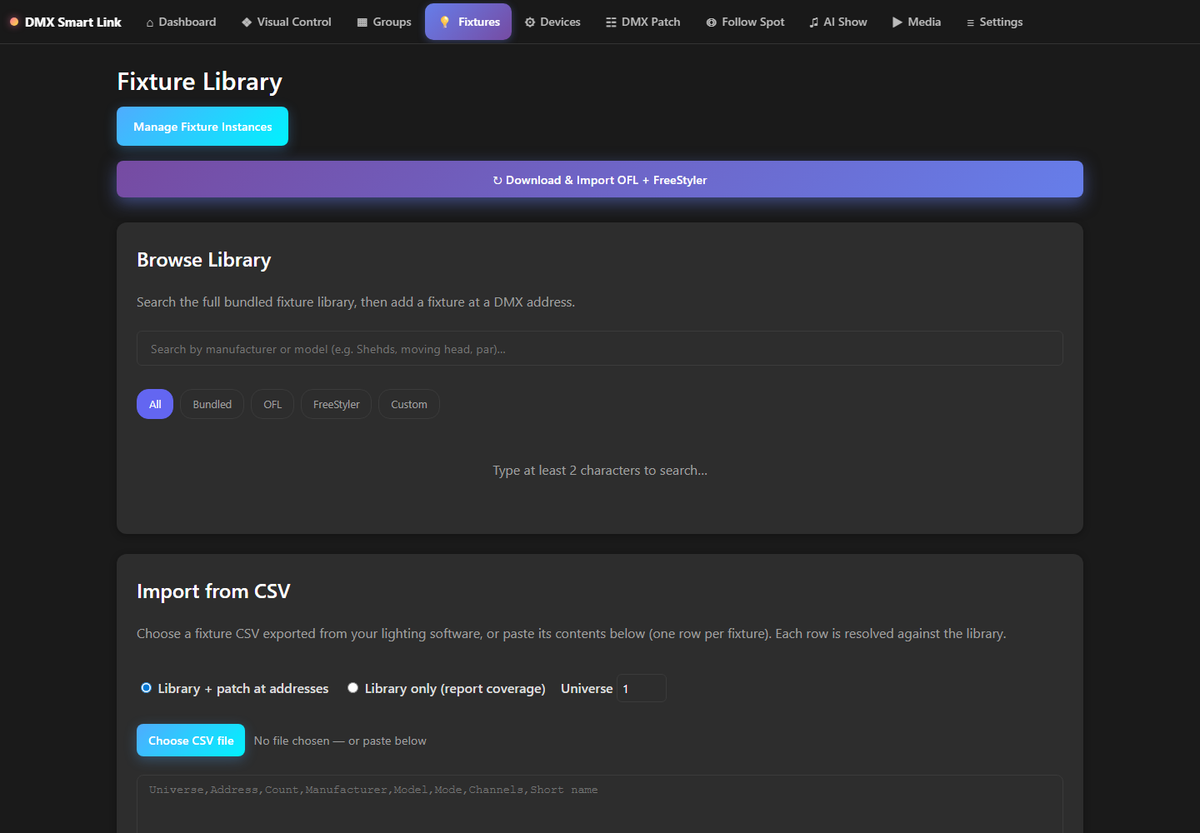
See the dashboard

Get the free iPhone companion app.
Refund Policy: Because you can try every feature free for a full 14 days before you buy, all software purchases are final once activated.
Do I need an interface?
Wired DMX needs a supported USB-DMX interface or network node. The software licence and Network Edition do not include a USB-DMX interface; check each kit’s contents.
Can I use my existing console?
Compatible Art-Net and sACN input workflows let you connect your existing equipment. Validate patching and your required features during the trial.
What is in beta?
Named AI show setups and the Mac/Windows MIDI-over-IP connector are available in beta2326. Saved AI show setups do not yet appear as named Elgato buttons. Explore capabilities and beta details.
We ship within the United States and your order confirmation includes tracking. Details are in our Shipping Policy and Return Policy. Not sure which kit fits your lights? Email support@dmxsmartlink.com a photo before you order and we will tell you.

DMX Smart Link Software...