
Table of Contents
- The Real Cost of Professional DMX Software
- Software vs. Hardware Console: Which Makes Sense
- Integrating Smart Lights into DMX Rigs
- Automating Lighting Scenes with MIDI Controllers
- Latency and Reliability: What Actually Matters Live
- Who Should Buy Professional DMX Software (and Who Shouldn't)
- Frequently Asked Questions
Last Updated: September 21, 2026
The Real Cost of Professional DMX Software
A free DMX application and a paid one can both output DMX512. The difference shows up on show night, when a fixture drops offline and you have twenty minutes to fix it. This review from DMXSmartLink examines whether professional DMX software earns its place in a working rig, and where the costs actually land.
Professional DMX software is a lighting control application that patches fixtures, stores scenes and cue lists, and outputs DMX512 over a USB interface or a network protocol such as Art-Net or sACN. Paid versions add fixture libraries, support, and the reliability work that free tools leave to volunteers.
What You're Actually Paying For
Three things separate a paid licence from a free download: a maintained fixture library, output stability under load, and a person who answers when something breaks.
DMX Smart Link ships with over 12,000 fixture profiles, so you are not hand-building a personality for every new par. It runs on Windows, macOS, Ubuntu, and Raspberry Pi, and it runs with no internet connection once licensed. A free 14-day trial with no credit card lets you test your exact fixtures before committing.
Total Cost of Ownership: The Framework Nobody Publishes
Most buying guides compare licence terms and stop there. That is the wrong comparison. What matters is the total cost of owning and running the rig across a realistic service life, usually three to five years for a church or mobile DJ setup. Build the number in five buckets.
1. The licence. DMX Smart Link licences are annual or multi-year. Link to the store for current terms rather than relying on a number in an article.

2. The output path. DMX512 has to leave the computer somehow. A USB-DMX interface is the usual answer for a small rig. On a larger rig you may run Art-Net or sACN to a network node instead, which changes the cabling but not the software. The DMX Smart Link HUB Pro Output Kit uses an ENTTEC DMX USB Pro for buffered, hardware-timed output.
3. Cabling and infrastructure. XLR cable runs between the interface and the first fixture, a network switch if you are running Art-Net or sACN, and a fixed IP plan for the nodes. None of this is expensive individually. All of it adds up, and none of it appears on a software pricing page.
4. The computer. This is the bucket most guides ignore. A laptop that already runs your sound software can usually run lights too, which is why software wins for one-person operations. If you need a dedicated machine, or a spare that can take over mid-show, that is a real cost. DMX Smart Link runs on Windows, macOS, Ubuntu, and Raspberry Pi, so a low-cost Raspberry Pi can serve as the dedicated show machine instead of a second laptop.
**5.
Comparing the Two Paths Honestly
A hardware console concentrates cost into one purchase and then holds steady. A software rig spreads cost across the licence, the interface, the computer, and the operator's time. For a rig that changes often, the software path usually wins on flexibility. For a rig that never changes and has a dedicated operator, the console path usually wins on predictability. The right answer depends on which of those two descriptions matches your venue.
Software vs. Hardware Console: Which Makes Sense
A hardware console wins when the operator needs physical faders under their hands and no computer in the signal path. Software wins when the rig changes often, the budget is tight, and the team already carries laptops.
| Factor | Hardware Console | Professional DMX Software |
|---|---|---|
| Upfront cost | Higher | Lower |
| Physical faders | Yes | Only with a MIDI surface |
| Fixture library updates | Manual | Regular releases |
| Busking feel | Immediate | Depends on your controller |
| Remote control | Limited | Phone, tablet, browser |
| Show file portability | Tied to the desk | Runs on any supported computer |
| Failure mode | Desk failure stops the show | Spare laptop or Raspberry Pi can take over |
When a Physical Console Still Wins
Touring houses with a dedicated operator, and any venue where a computer failure stops the show, should keep the console. Software suits churches, mobile DJs, and small theaters where one person runs lights and sound together.
The Migration Path Between the Two
Most operators do not stay on one path forever. A common pattern is to start on software because it fits the budget, then add a console later as the rig grows, or the reverse when a venue downsizes. The skills transfer, and the two can run side by side.
What Transfers and What Does Not
Cue structure, fixture patching, and scene naming all transfer between a console and software. What does not transfer is muscle memory. A volunteer who knows where every fader sits on a console will need rehearsal time on a laptop, and vice versa. Budget that time before you switch, not after.
Run both for one event before you commit. Feed the console into DMX Smart Link over Art-Net and let the software handle the smart lights while the console runs the DMX fixtures. You learn the workflow without risking the show.
Integrating Smart Lights into DMX Rigs
Smart lights can join a DMX rig through a controller that speaks both protocols. DMX Smart Link drives Govee lights over the Govee cloud or the local network, plus anything exposed through Home Assistant or Homebridge, alongside DMX512 output, Art-Net, and sACN.
Compatibility Checks Before You Buy
Run these checks before you commit a Sunday service or a wedding to a new setup:
- Confirm your fixture models appear in the profile library
- Test your smart lights on a stable 2.4 GHz network
- Verify your USB-DMX interface is on the supported list
- Save a scene, reboot, and recall it
- Run the full rig for one rehearsal before the live event
Skipping the rehearsal test is the most common mistake. A scene that recalls perfectly on a desk can fail on site if the smart lights sit on a congested wireless network.
Automating Lighting Scenes with MIDI Controllers
Elgato Stream Deck and YoloDeck keys work the same way, so a volunteer who already knows the stream deck can run lights.
Latency and Reliability: What Actually Matters Live
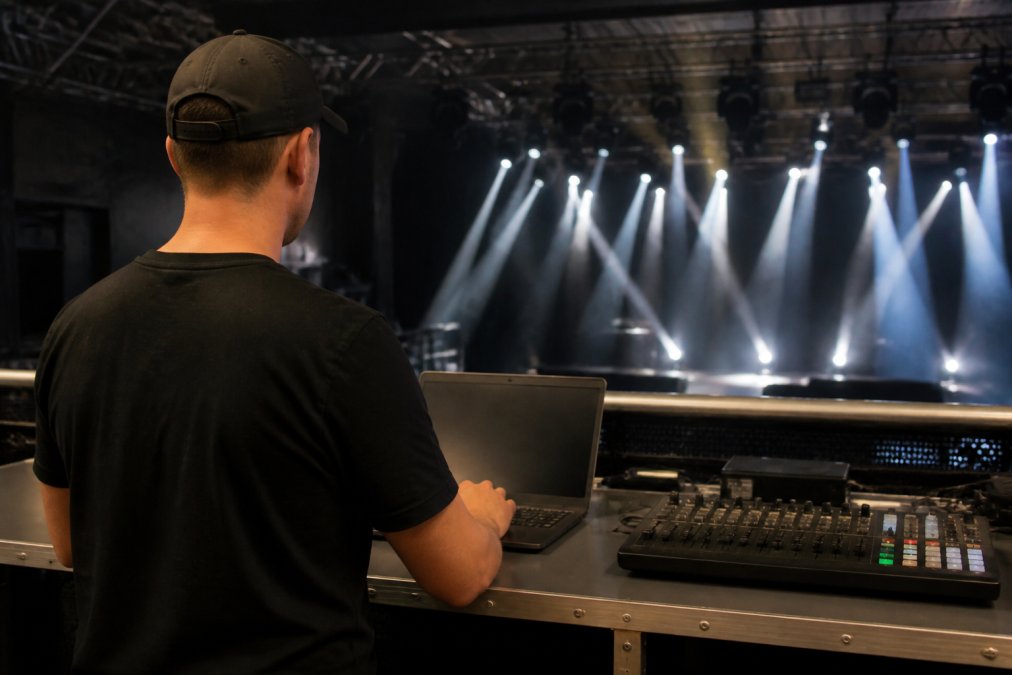
Latency matters most where lighting follows music or video. A visible delay between the kick drum and the flash reads as a mistake to the audience, even when the cue fired correctly.
Who Should Buy Professional DMX Software (and Who Shouldn't)
Buy it if you run a mixed rig of DMX fixtures and smart lights, if your operator is also running sound, or if you need scene recall from a phone or a stream deck. The DMX Smart Link HUB includes the software pre-installed with a one-year licence.
Frequently Asked Questions
What are the main benefits of using professional DMX software?
Professional DMX software gives you one dashboard for every fixture, whether it is a stage par or a smart light. You get saved scenes with fades, Art-Net and sACN support, and recall from a phone, tablet, or browser. For churches and small venues, that means no app fumbling mid-service and no rebuilding the scene at every load-in. DMX Smart Link runs on Windows, macOS, Ubuntu, and Raspberry Pi, and it works offline once licensed.
Can professional DMX software control consumer smart lights?
Yes. DMX Smart Link patches compatible Govee lights and anything exposed through Home Assistant or Homebridge as fixtures inside your rig. You build scenes that mix stage lights and smart lights in the same cue. Device support varies by model, so validate your exact lights during the free 14-day trial before committing. This is the core of integrating smart lights into DMX rigs without running two separate control systems.
Is it difficult to learn professional DMX lighting software?
It depends on the software. Tools built for touring professionals assume you already know patching, universes, and fixture profiles. DMX Smart Link takes a different approach: Visual Control shows your stage layout, and scenes are saved under names your team recognizes. A volunteer can recall a Sunday morning scene from a Stream Deck key or the iPhone app without memorizing channel numbers. Most users are running basic scenes within an afternoon.
What hardware is required to run professional DMX software?
At minimum, a computer running Windows 11, macOS, Ubuntu, or Raspberry Pi 5. For physical DMX output you need a USB-DMX interface such as an ENTTEC DMX USB Pro, plus suitable cables. If your rig uses Art-Net nodes, you can send DMX over your existing network without a USB interface. The DMX Smart Link HUB ships preconfigured with the software installed and a one-year license included.
How does automating lighting scenes with MIDI controllers improve live performance?
A USB MIDI controller turns physical pads and faders into scene triggers. Pads recall saved scenes instantly, a fader on CC 7 rides the master level, and CC 20 and CC 21 step through scenes in order. For a DJ or a church tech, that means hands-on control without touching a laptop mid-show. You get the tactile feel of a console with the flexibility of software.
The hard part is not choosing software. It is trusting it with a live show. DMXSmartLink builds DMX Smart Link for exactly that moment: over 12,000 fixture profiles, scenes with fades recalled from a phone, tablet, or browser, Stream Deck and MIDI control, and operation with no internet connection once licensed. Start the free 14-day trial, test your own fixtures, and see whether professional DMX software earns its place in your rig.
